Choose · 8 min
Repair, pass on, trade in, or recycle old technology
Protect your data and choose the highest-use next life that is practical.
A calm sequence
- 01
Decide whether it still has a useful job
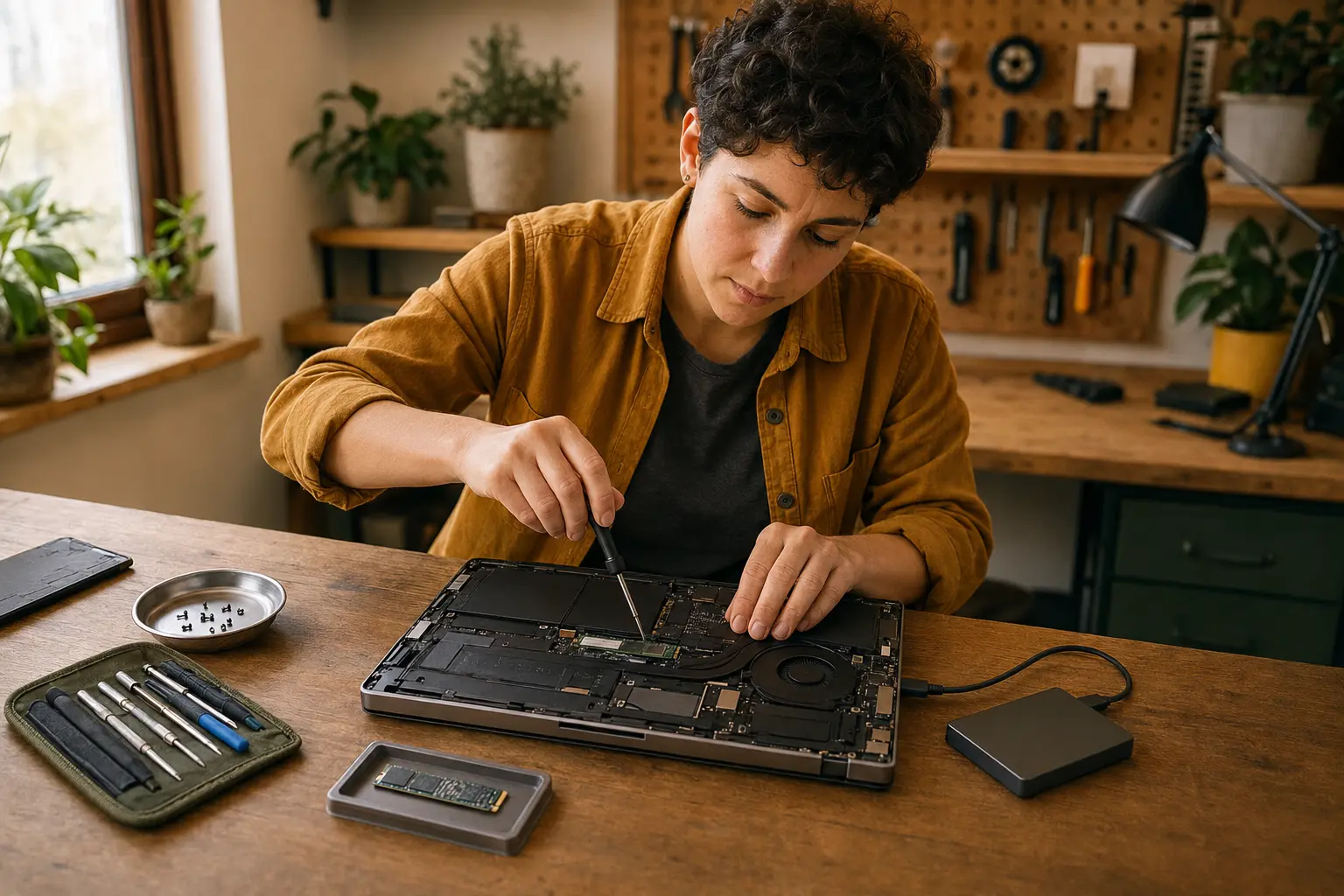
A battery, storage, keyboard, or screen repair may restore years of use. Check ongoing software support and ask whether the repaired device will reliably meet a real need.
- 02
Back up and verify
Move important data and open several files from the destination. Export anything tied to an app or account that will not transfer automatically.
- 03
Remove ownership locks
Sign out of device-finding and primary accounts, remove mobile service or eSIM as instructed, and unpair watches, headphones, or smart-home relationships.
- 04
Erase with the official process
Use the manufacturer’s factory-reset or secure-erase instructions. Removing files from the desktop or deleting a user profile is not the same as preparing a device for a new owner.
- 05
Choose the next life
Sell, donate, or pass on a working supported device with its charger when practical. For broken or unsupported electronics, use a manufacturer take-back program or reputable electronics recycler rather than household trash.
Pause when you see
- A device still signed into your account
- A donation that lacks a compatible charger
- Lithium-ion batteries placed in household trash or curbside recycling
Primary sources